

The feeling is brutal. Hours go into scripting, filming, and editing, and then the new upload crawls to twenty views, two likes, and zero comments. The sub count barely moves, old videos once carried the channel, and now even they have slowed down. It starts to feel like the channel is not just quiet, but gone. At that point, many creators start searching for how to revive a dead YouTube channel and wonder if it is even possible.
We have seen that stuck place many times. Creators ask if they should burn everything down and start over, or if there is still life left in the channel they have spent months or years building. The numbers hurt, but the worst part is the doubt. It becomes hard to sit down and film when it feels like almost no one is watching.
The good news is that a dead channel is very often only asleep. With the right mix of data, content upgrades, smart promotion, and a bit of outside momentum, thirty days is enough to see real signs of recovery. In this guide, we walk through a full four‑week plan that shows how to revive a dead YouTube channel step by step. We start with diagnosis, move into strategy, then focus on production, promotion, and safe growth boosts.
HypedX fits into this plan as a growth partner. While you fix thumbnails, videos, and strategy, we can send genuine, high‑retention views using our Smart Delivery Technology, with full YouTube policy compliance and no password access. That mix of strong content plus safe social proof is what gives a stuck channel a real second chance. Follow this plan with focus, and the reward is renewed views, comments that feel alive again, and confidence that the channel is moving forward.
“On YouTube, consistency plus smart experiments beat hoping for a random viral hit.” — YouTube Creator Academy
Key Takeaways
A channel is not “dead” just because one video flops. It is in real trouble when there is a long stretch of flat or falling subscribers, weak views across most new uploads, and very little engagement. Reading those patterns in YouTube Studio stops panic reactions and helps a creator decide calmly what to do next.
The choice between reviving vs. starting fresh depends on assets already in place. A channel with a few hundred or a few thousand subscribers, evergreen videos that still pull search traffic, and a brand name people remember often deserves a revival push. A channel with almost no subs, no search traffic, or a damaged reputation may be easier to replace with a new start in the same thirty days.
Week one of this plan is all diagnosis and cleanup. We go through analytics, spot past wins, fix titles and thumbnails, rewrite descriptions, and remove or unlist videos that drag the channel down. That work gives every new upload a far better chance to perform.
Weeks two and three focus on a clear brand, a simple content calendar, a strong comeback video, and high‑engagement production habits. We mix that with heavy promotion on other platforms so the algorithm does not have to do all the work alone.
Week four is about momentum. Consistent posting, especially YouTube Shorts and cross‑posted clips, keeps fresh signals going to the algorithm. Here is where services like HypedX fit perfectly, adding safe, real views from targeted regions so each new upload gets the early watch time it needs while the creator stays focused on content.
Is Your YouTube Channel Actually Dead? Key Diagnostic Signs
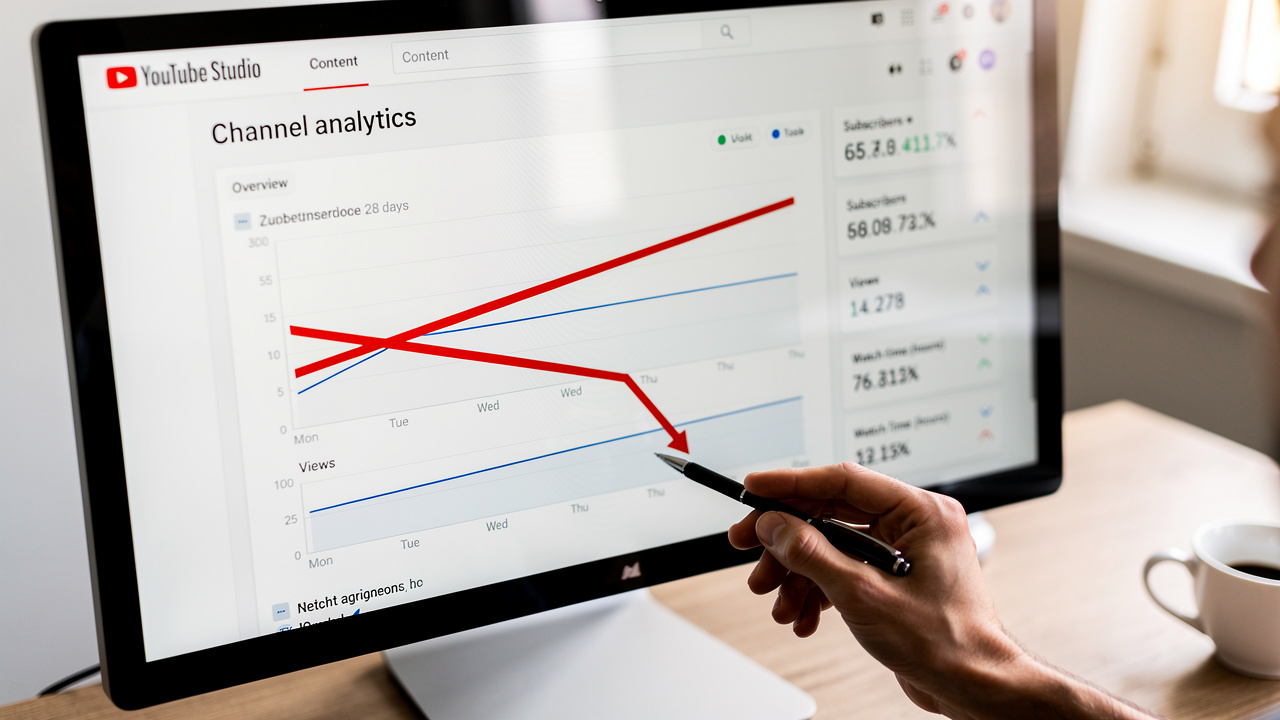
Before planning how to revive a dead YouTube channel, we have to be honest about how bad the situation is. A rough month does not mean the channel is finished. A real “dead” channel shows the same negative signs over and over, even when we are posting and trying our best. The only way to see that clearly is to step into YouTube Studio and look at trends over the last three to six months instead of focusing on one upload.
In this section, we break down five signals that show whether the channel is in a short slump or in serious decline. Seeing these signs on a chart can feel painful, but it also brings relief because it turns a vague fear into numbers that we can work with.
Creator Tip: When you feel stuck, trust the graphs more than your mood. Trends over three to six months tell a clearer story than one bad upload.
Prolonged Subscriber Stagnation or Decline
Healthy channels, even small ones, tend to gain a few new subscribers every week. It might only be five to ten people, but that steady trickle shows that content is still reaching fresh viewers. When we see a sub count that has been flat for months, it tells us new people are not finding the channel or not interested enough to click Subscribe.
The picture gets worse if the line is not flat but slowly sliding down. That means more people are leaving than coming in, and existing viewers are losing interest over time. In that case, every new upload has to fight twice as hard, because the audience we already earned is drifting away.
Subscribers are not just a vanity number. They act as a simple trust signal to new viewers and to the algorithm. Stagnation here is one of the clearest early signs that a revival plan is needed.
Consistently Low and Declining View Counts
Most channels have some uploads that miss the mark. One slow video is not a crisis. We worry when almost every new upload is stuck far below the level of older content and the pattern repeats over many weeks.
Inside YouTube Studio, we like to sort content by date and compare the last ten or fifteen videos to the older top performers. If even the best recent uploads get only a small slice of the views that older hits received, and that gap keeps widening, the algorithm has likely stopped putting new content in front of many people.
Posting on a regular schedule but still seeing shrinking views is a strong sign that the channel has lost momentum. At that point we are in a feedback loop where low views lead to fewer impressions, which leads to even lower views. The channel needs a reset, not just “one more upload.”
Drastically Reduced Engagement Rates
Engagement tells us how strongly viewers care about what they watch. We look at likes, comments, and shares compared to total views, then turn that into a simple engagement rate. A basic way to think about it is to add likes, comments, and shares for a video, divide that total by its view count, and then turn that number into a percent.
Across many niches, a healthy engagement rate often lands somewhere between three and ten percent. When that number drops under one percent, we are looking at content that people mostly watch in silence and then leave without taking any action. Comment sections that used to be busy but have gone quiet are another warning sign we do not want to ignore.
The algorithm uses engagement as a sign that content is helpful, interesting, or fun. When viewers stay quiet, YouTube assumes the video did not hit the mark and starts to show it less often. Over time, this pushes a slow channel even further into the background.
Poor Click-Through Rate on Impressions
Click‑through rate (CTR) shows how many people clicked a video after seeing its thumbnail and title on their screen. Inside the Reach tab in YouTube Studio, we can see this as a percentage for each upload. In many niches, CTR often falls between two and ten percent.
If a channel’s recent videos sit under two percent, it usually means thumbnails and titles are not grabbing attention. The content inside might be strong, but viewers are scrolling right past and never giving the video a chance. When CTR is weak across several uploads in a row, fixing thumbnails and titles becomes one of the fastest ways to breathe life back into the channel.
Loss of Algorithm-Driven Traffic Sources
Not all views come from the same place. Inside YouTube Studio, under Reach and then Traffic source types, we can see how many views come from Browse Features, Suggested Videos, Search, and other areas. For a healthy, growing channel, a good share of views comes from Browse and Suggested, which means the algorithm is pushing the content onto home feeds and sidebars.
On a struggling or dead channel, that mix shifts. We often see a heavy tilt toward Channel pages and Playlists, which means most views come from people who manually visit the channel or click through old playlists. When Browse and Suggested traffic nearly vanish, the algorithm has lost trust that the videos can hold a wider audience.
This loss is a big part of why reviving a dead channel feels so hard. New uploads do not get that free lift from the system, so we have to bring outside traffic and strong early watch time to earn back that trust.
Critical Decision Point – Should You Revive or Start Fresh

Once we see the data clearly, the next question is whether to revive the current channel or start fresh with a new one. This can feel like a very heavy choice. On one hand, there is emotional attachment and all the time already spent, and many creators have successfully demonstrated how I turned around their channels without starting fresh. On the other, there is the appeal of a clean slate with no old mistakes.
We like to strip away emotion and look at this as a simple strategy call. The right answer depends on what assets already exist on the channel and how well they match the content we want to make over the next year. This decision comes before any revival work so time and energy are not wasted in the wrong place.
When Reviving Makes Strategic Sense
Revival tends to make sense when the channel already has real assets that a new channel would take months or years to gain. A clear sign is a subscriber base above a few hundred people. Even if many of them are quiet now, they once cared enough to click subscribe. For example, a channel with 1,000 subs that manages to re‑activate just five percent of them now has fifty early viewers on each new video. That small group can supply the first likes, comments, and watch time that the algorithm looks for.
We also check for evergreen videos that still pull search traffic. If old uploads bring in ten to twenty views per day from Search, they are quietly building authority for certain topics. That “history” is very hard to rebuild on a new channel. Those videos can be refreshed with better thumbnails, descriptions, and links to new content.
Brand and channel age matter as well. A name that already appears in Google search, has some backlinks, or gets mentioned on other platforms holds more weight than a brand‑new name. An older channel that has been active in a niche for more than a year often gains a base layer of trust with viewers and the system. When we plan to stay in the same niche or a close neighbor, reviving and improving that base is usually smarter than starting from zero.
When Starting Fresh Is the Better Path
There are clear cases where walking away and opening a fresh channel is the smarter move. Common ones include:
A hard pivot in topic. Moving from gaming to money advice or from cooking to car repairs means the old audience is not a good match for new content. If subscribers keep skipping the new niche, the algorithm reads that silence as a sign of low quality and reaches fewer people over time.
A damaged or outdated brand. Maybe older videos were low quality, clickbait, or tied to trends that now look bad. Maybe there was drama or controversy that still appears when someone searches the channel name. Fighting that past can take more effort than starting with a clean name and a clean record.
Serious account limits. Community guideline strikes, copyright issues, or long‑term monetization problems all act like sandbags. If the channel is under heavy restrictions, building on it can feel like trying to run with a heavy weight strapped to each leg. In that situation, a fresh channel avoids months of friction.
Mental burnout tied to the old dashboard. Some creators feel blocked every time they open an old dashboard full of weak stats. If that stress kills motivation, then a clean channel with no past numbers can free them up to create again. When the current channel has under a hundred subscribers, almost no search traffic, and no real brand value, the practical loss is tiny.
Making Your Decision Assessment Framework
To decide calmly, we like to write things down. On one page, list:
Subscriber count
Average monthly views from existing videos
Whether the future niche matches the current one
Whether the brand image feels clean or damaged
Looking at this simple scorecard helps remove guesswork.
As a basic rule, if a channel has more than around five hundred subscribers, some steady search traffic, a clean reputation, and future content that matches the same niche, revival is usually the smarter path. If the channel has fewer than a couple hundred subs, almost no search views, or a topic shift that is huge, starting fresh may be easier.
When we see a mixed case and cannot decide, we often lean toward revival first. We can try a focused thirty‑day plan on the old channel, and if it shows no signs of life, we still have the option to spin up a new one later. What we cannot do is recover a deleted channel’s history after we walk away from it.
Week 1—The Foundation Reset Audit, Analyze, and Optimize
Week one is about stepping back and cleaning house. Many creators try to revive a dead channel by posting more videos right away. That usually leads to the same weak results, just with more effort. Instead, we pause uploads for a week and study the channel like a detective, then fix the base that every future video will stand on.
In this phase, we dig through analytics, study past wins and misses, improve strong but under‑optimized videos, and remove content that drags the averages down. By the end of week one, the channel is clearer, leaner, and ready for a comeback.
Conducting a Comprehensive Analytics Deep Dive
We start in YouTube Studio under the Analytics tab and first set the date to Lifetime. That view shows the entire history of the channel. Then we compare it with Last 90 days to see how recent performance stacks up against the past. This simple switch of date ranges often reveals when the slide began.
Next, we study top performers. We sort videos by views and watch time and ask what those winners have in common. Maybe they cover certain topics, use a type of thumbnail, or follow a specific format like step‑by‑step tutorials. We also note their engagement rates and average view duration, because those numbers show real interest, not just clicks.
Audience retention graphs under the Engagement tab tell us where people are dropping off inside each video. If we see a steep drop in the first thirty seconds for many uploads, intros are likely too long or unfocused. If drops happen at the same type of segment, such as sponsor reads or long rambles, we know what to tighten in future edits.
We also look at the Audience and Reach tabs to see who is watching and where they come from. Age, gender, and country data show whether we are attracting the group we think we are talking to. Traffic source charts reveal how many views came from Search, Suggested, and Browse during the best months. This helps us rebuild toward those sources later.
Re-Optimizing Your Existing Content Library
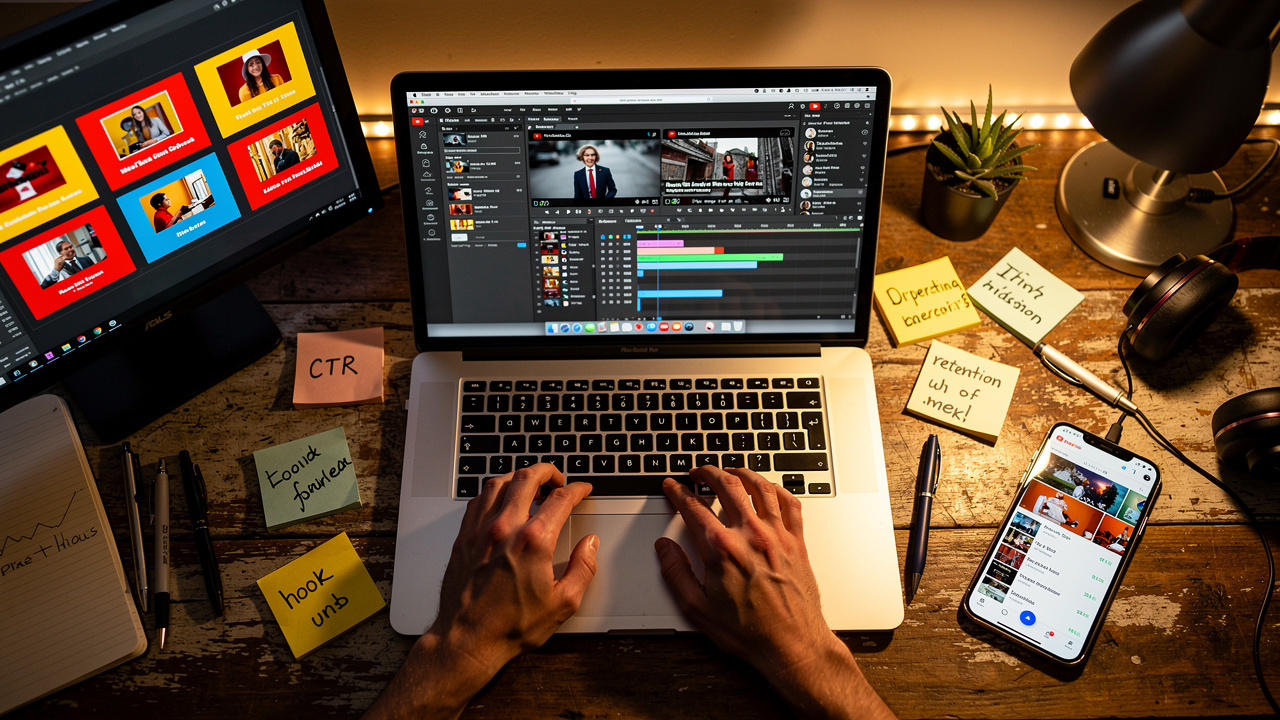
Once we know which videos have the most potential, we turn to upgrades. We focus first on the top ten to fifteen videos that still get some views or match the niche we want to grow. These pieces are already drawing interest, so even small improvements can produce big gains.
A simple re‑optimization checklist looks like this:
Refresh thumbnails. Data from many channels shows that thumbnails with clear human faces usually have higher CTR, and text on the image helps viewers know what to expect. We redesign old thumbnails with bright contrast, simple text of three to five words, and expressive faces when possible. Then we compare CTR before and after in Analytics over the next couple of weeks.
Rewrite titles. We rewrite them so the main keyword shows early and the value to the viewer is obvious. Instead of a vague line like “My New Setup,” we might use “Small YouTube Studio Setup Under 500 Dollars.” That kind of title tells Search exactly what the video covers and gives viewers a reason to click.
Improve descriptions. Descriptions often get rushed, so we take time to expand them into short mini‑articles. We explain what the viewer will learn, sprinkle in related keywords naturally, and link to other helpful videos and playlists on the channel. For longer videos, we add timestamps and chapter labels, which help viewers jump to the parts they care about and can also earn rich snippets in Google search.
Tidy up tags. We round out this step by reviewing tags. We add a mix of broad and very specific phrases that match how people actually search, drawn from YouTube autocomplete and keyword tools. Tags are not magic, but they still help the system understand the context of a video, especially when combined with stronger titles and descriptions.
Strategic Content Pruning – What to Delete or Unlist
Not every video deserves a second chance. Some hurt us by dragging down channel‑wide averages for CTR, watch time, and engagement. Week one content pruning is the time to face those uploads and decide which ones should stay visible.
We look for clear patterns. Videos with very low CTR after the first month suggest packaging that failed badly. Clips where most viewers leave before watching even a third of the runtime show poor content fit or weak pacing. Content that is badly outdated, factually wrong, or tied to old promotions can also confuse or frustrate current viewers.
For each weak video, we choose between unlisting and deleting. Unlisting hides a video from public search but keeps it alive through direct links. That option works for content with some sentimental or reference value that no longer fits the main feed. Deleting is more firm and works best for low‑quality, off‑brand, or harmful uploads that we never want new viewers to see again.
Letting go of old content can be hard because it carries memories of the effort put in. That is the sunk‑cost trap. The time spent is already gone, and keeping a dead video public only to protect that memory can hold the channel back. When we shift our focus to how the channel can grow over the next twelve months, these choices become easier.
Organizing Content with Strategic Playlists
After pruning, we group the best remaining videos into clear playlists. Each playlist focuses on a specific topic or viewer level, such as beginner guides, advanced tips, or a full series about one tool. This structure helps viewers binge related content instead of watching a single video and leaving.
We give each playlist a keyword‑rich title and a short description that explains who it is for and what outcomes it helps with. Then we order the videos in a way that makes sense, often from basic to advanced. Finally, we feature the strongest playlists on the channel homepage so new visitors see a clear path to follow.
This simple organization step can increase session watch time, which is one of the most powerful signals the algorithm tracks. When people watch several of our videos in a row, YouTube sees that the channel can hold attention and is more likely to promote future uploads.
Week 2—Strategic Content Planning and Rebranding Your Channel
With the base cleaned up, week two is all about building a clear plan for what comes next. Posting random topics on random days is one of the fastest ways to keep a channel stuck. Instead, we use week two to sharpen the channel’s identity, design a simple calendar, and prepare a clear comeback message.
Some channels also need a visual or messaging refresh at this stage. That does not always mean a new name, but it does mean stating clearly who the channel is for and what viewers will gain by watching. When this is done well, every future upload fits into a bigger picture.
“If you fail to plan, you are planning to fail.” — Benjamin Franklin
Defining Your Refreshed Channel Identity and Value Proposition
We start by studying other channels in the same space. We pick five to seven that do well and look at their banners, thumbnails, upload rhythm, and how they describe themselves. The goal is not to copy them but to see what viewers in this niche already respond to and where there might be gaps.
Then we write a simple value statement for our own channel. It should answer who we talk to, what problem we help with, and how we handle it in a way that feels like us. For example, a statement might say that we help new creators grow YouTube channels with simple, data‑backed tips and real‑time experiments.
Once that is clear, we refresh visuals. The channel banner should show the core topic and upload rhythm at a glance. The profile picture should be clean and easy to recognize at small sizes. Colors, fonts, and graphic styles used here can carry over into thumbnails and on‑screen graphics so everything feels like it belongs together.
We also rewrite the About section. In a few short paragraphs, we restate the value statement, explain the kind of videos we post, and tell new visitors how often to expect uploads. This acts as a quiet promise between us and the audience, and it sets the tone for the comeback.
Brainstorming and Validating High-Potential Video Ideas
With the channel identity clear, we move to ideas. Instead of guessing, we pull topics from three reliable places:
Search demand. We type broad niche terms into the YouTube search bar and note autocomplete suggestions. Those lines are based on real viewer searches. We then run some of these through tools such as TubeBuddy or VidIQ to see rough search volume and competition levels.
Competitor gaps. We scan top videos from other channels and look for common themes we have not covered. We also read their comments to find questions that keep coming up. If viewers are begging for a certain breakdown and no one has given it to them yet, that is a strong candidate for our list.
Our own audience. We read comments on past uploads and any messages on other platforms to see what people ask us over and over. If we already have a small email list, Discord, or social following, we can run simple polls to ask what people want to see next. This direct feedback often reveals high‑interest topics we might have missed.
To speed up this step, we sometimes use AI tools as brainstorming partners. We might ask for twenty video ideas for a specific niche and then filter that list against our own data. Before we commit to any idea, we check that there is real search interest, that we can offer a version that feels fresh, and that it lines up with the channel’s value statement.
Building Your 30-Day Content Calendar
Now we turn ideas into a real schedule. For a 30‑day content calendar, we like to pick a posting pace that is serious but realistic. For many channels, one solid long‑form video a week plus several Shorts is a strong start. Creators with more time or a team can move to two long‑form uploads per week and near‑daily Shorts.
We also plan a mix of topics. Roughly, we split the calendar into proven ideas similar to past hits, new but validated topics based on search data, and a few creative experiments. That way, we are not relying fully on guesswork but still leave room to test fresh formats.
To keep organized, we set up a simple calendar in a spreadsheet or project tool. Each row holds a video with columns for title ideas, target keyword, format, status, and planned publish date. This makes it easy to see at a glance what needs to be researched, filmed, or edited on any given day.
Batching helps a lot here. We write several scripts or outlines in one sitting, then film multiple videos in one day, changing shirt or background for variety. On other days, we focus only on editing or only on thumbnail design. This kind of grouped work saves a lot of time and helps keep week three from feeling like chaos.
Creating Your “Comeback Announcement” Video Strategy
The first upload in this new phase is our comeback announcement. This video speaks directly to both old and new viewers and explains the turning point. A clear title like “I’m Back – What Happened and What’s Next for This Channel” tells people what they are about to see.
Inside the video, we briefly share why the channel went quiet, what we learned from that break, and how the content will be different going forward. We outline the upload schedule and tease some of the most exciting upcoming videos with quick clips or graphics. At the end, we invite viewers to subscribe again in spirit by turning on notifications and leaving a comment to say they are still here. This video becomes the bridge between the old version of the channel and the one we are about to build.
Week 3—Executing the Comeback Content Creation and Promotion

Week three is action time. The base is cleaner, the plan is in place, and the comeback video is outlined. Now we focus on filming, editing, and promoting content in a way that gives every upload the best possible chance to perform.
We want to engineer high watch time and engagement inside the videos and then push them out across other platforms so they do not depend only on YouTube’s first wave of impressions. This is also where we start to think about using HypedX views to send strong early signals once we are confident in the quality of the content.
Engineering High-Engagement Videos Production Best Practices
The first fifteen seconds of a video carry huge weight. In that window, viewers decide whether to stay or swipe away. We like to open with some kind of pattern break, such as a bold statement, a surprising result shot, or a quick story hook. For example, a revival video might open with a shot of a terrible analytics graph followed by a flash of a much better one, then promise to show the steps between those two moments.
Two simple tools for stronger hooks are:
Pattern breaks. Start with something visually or emotionally unexpected: a dramatic graph, a bold claim, or a quick story twist.
Open loops. Tease a payoff that comes later. We might say that by the end of the video, the viewer will see exactly how we brought a dead channel back in thirty days, then quickly dive into the first step. This keeps curiosity alive and gives people a reason to watch more than just the intro.
Inside the video, pacing and structure matter a lot for retention. We cut out long pauses and filler words so the talking feels tight but still natural. We shift visuals every few seconds, moving between talking‑head shots, screen recordings, b‑roll, and on‑screen graphics. Short text callouts on key points help viewers follow along even if they watch with sound down.
We also create clear chapters. Each main point gets its own on‑screen heading and later a matching timestamp in the description. This helps viewers come back to specific parts and sends a subtle signal that the content is well organized. Before moving from one chapter to the next, we sometimes plant a small cliffhanger by hinting that the next section covers a mistake to avoid or a hidden trick.
Interaction inside the video boosts comments and watch time. Rather than saying “leave a comment” in a vague way, we ask a direct question tied to the topic, such as which thumbnail style viewers like more or what their biggest traffic problem is. We place this prompt around the middle of the video where many viewers are still watching, and we respond to early comments to keep the conversation going.
Finally, we pay attention to music. Data from platforms that license popular tracks shows that videos with strong, recognizable music often keep people watching longer and can double engagement compared to bland stock tracks. When budget allows, we use licensed music that fits the mood of the content and mix it at a level that supports the voice without overpowering it. For Shorts and quick edits, the right beat can make viewers far more likely to rewatch or share.
Pro Tip: Script or outline your hook and first 30 seconds before anything else. If viewers stay past that point, the odds of them finishing the video rise sharply.
Filming and Editing Your Comeback Content
Good content does not require a studio. We usually focus first on sound. A simple USB microphone can make a huge difference compared to a built‑in laptop mic. Clear audio makes the channel feel more serious and gives viewers one less reason to click away.
Lighting is the second key piece. We either sit facing a window during the day or use a basic ring light or softbox placed in front of us. Keeping the main light source in front, not behind, avoids dark faces and harsh shadows. Clean, simple backgrounds with a bit of depth look more thoughtful than a messy room.
For editing, free tools like DaVinci Resolve, CapCut, or iMovie are more than enough to build strong videos. We set up reusable editing templates for intros, outros, and lower‑third name tags so every new edit does not start from zero. This speeds up the process and keeps the channel’s look consistent across uploads.
Batching helps here as well. We try to film two to four videos in one day and then spend the next few days only editing. That rhythm keeps us from bouncing back and forth between tasks and reduces burnout during this intense week.
Launching Your Comeback Video Strategic Promotion
When a channel has been quiet or weak for a long time, the algorithm does not rush to promote new uploads. That means we have to bring the first wave of viewers from outside. The goal is to send a burst of real watch time, likes, and comments in the first twenty‑four to forty‑eight hours.
Right after the comeback video goes live, we share it everywhere we have any kind of presence. If there is an email list, we send a short, honest message about returning to YouTube and what the new video covers. Email subscribers often care the most and are willing to watch for longer and leave thoughtful feedback, which sends strong signals back to YouTube.
On Instagram, we can cut a fifteen to thirty second teaser clip that highlights the most dramatic moment from the video and post it as a Reel and a Story. In the caption and Story text, we mention that the full breakdown is on YouTube and guide people to the link in bio or a link sticker. On X, formerly Twitter, we might write a short thread sharing a few quick tips from the video with the link in the final post and pin that thread for a few days.
We also look for niche communities on Reddit, Facebook Groups, Discord servers, or forums where we are already active. Instead of dropping a bare link, we provide context, such as the fact that we revived a channel after months of stagnation and are sharing the exact steps. Then we invite honest feedback. This approach respects the community and often brings more engaged viewers than a simple “check out my video” post.
Promotion should not stop after the first wave. It helps to share reminders a day later with a different angle, such as a quote from a viewer comment or a specific result from the revival that the video explains. This keeps the content moving while different time zones and platform feeds catch up.
Using HypedX for Safe, Strategic Momentum Building
Even with strong content and good promotion, a dead channel can struggle to break out of its past record. The algorithm looks at long‑term patterns, and if it sees months of weak watch time, it can be slow to send new impressions. This can trap creators in a cycle where videos never reach enough people to prove their real quality.
This is where HypedX fits into a thirty‑day revival plan. Our role is to add a controlled wave of genuine, high‑retention views from real users to videos that are already solid. These are not bots or low‑quality traffic. Smart Delivery Technology spreads views in a natural pattern so the growth looks and feels organic, which keeps the channel safe under YouTube’s policies.
Because we can target regions like the USA, UK, Europe, Germany, and Australia, those early viewers also line up with the audiences many creators want to reach. When someone is trying to grow a gaming, music, education, cooking, or travel channel with a focus on a certain country, this targeting removes a lot of wasted exposure.
We never ask for channel passwords, and all campaigns come with a clear thirty‑day satisfaction guarantee. That means creators can test a package on key comeback videos without risking their accounts or budgets. While we drive those early signals, creators stay focused on making the best possible content and engaging with the new viewers who arrive.
Used this way, HypedX does not replace organic growth. It boosts the kind of honest engagement a strong video can already earn, which helps the algorithm take a fresh look at a channel it once ignored.
FAQs
How Fast Can I Revive a Dead YouTube Channel?
Most channels will not leap to massive numbers in a month, but thirty focused days are enough to see clear signs of life. We often look for gains such as higher CTR, longer watch time, more comments, and a return of Browse or Suggested traffic. If those move in the right direction, full growth can follow in the next few months. The key is to treat the first thirty days as a sprint and then keep the new habits going.
Do I Need Expensive Gear to Bring My Channel Back?
No, gear is rarely the main reason a channel feels dead. Many strong revival stories come from creators who still film on phones with simple microphones and basic lighting. Viewers care more about clear audio, helpful or entertaining content, and honest delivery than they do about cinema‑level visuals. Upgrades are nice, but fixing thumbnails, titles, and pacing usually moves the needle faster.
Can HypedX Get My Channel Banned?
HypedX is built to keep channels safe. We use real users, high‑retention viewing patterns, and Smart Delivery Technology that spreads activity over time. We also stay inside YouTube policy lines and never ask for your password or direct access. The goal is to add healthy signals, not to trip alarms with fake spikes. As with any growth tool, the best results come when our traffic supports strong content, not when it tries to hide weak videos.
Should I Delete All My Old Videos and Start Completely Fresh?
Wiping every video almost never makes sense. Old uploads carry data, search history, and sometimes steady trickles of views that help the channel. In most cases, it is better to keep strong or evergreen videos, update them, and only delete or unlist content that is low quality, off‑brand, or harmful. A careful pruning pass in week one gives more benefit than a full reset.
How Many HypedX Campaigns Do I Need During a 30-Day Revival?
There is no single right number, but many creators choose to focus on a handful of key uploads. That might mean one package for the comeback video and one or two more for the strongest tutorials, Shorts, or series episodes in the first month. The idea is to support the content most likely to become pillars of the new channel, then watch how those videos perform in analytics before planning the next step.
Conclusion
Reviving a dead YouTube channel is not magic. It is a clear, hands‑on process that starts with honest diagnosis, moves through careful cleanup, and then shifts into better content and bolder promotion. When we follow the steps in this thirty‑day plan, the channel stops feeling like a graveyard and starts to function like a real project again.
In week one, we dig into analytics, polish strong videos, and remove the posts that silently hurt our averages. In week two, we sharpen the brand and build a calendar that makes sense for our time and niche. Week three is where we create better hooks, stronger pacing, and smarter promotion so that every new upload has a fair chance to perform.
Across this whole process, HypedX can act as a quiet but powerful partner. While we fix what viewers see, our high‑retention, region‑targeted views help send a fresh wave of data to YouTube’s systems. That mix of honest content upgrades plus safe, carefully delivered momentum is often what separates channels that stay stuck from those that come back stronger.
If the channel feels dead right now, it does not have to stay that way. Start with the audit, choose whether to revive or restart, follow the weekly steps, and, when ready, bring in HypedX to add that extra push. With consistent effort and smart support, a quiet channel can turn into something worth watching again.